ANPR / LPR Camera Design Tool — Free & Online
cctvdesigntool.online lets you design ANPR / LPR (Automatic Number-Plate Recognition / Licence-Plate Recognition) cameras and prove plate capture before installation. Draw the road, run live traffic, and watch each camera score every passing vehicle against EN 62676-4.
Open the ANPR Design Tool →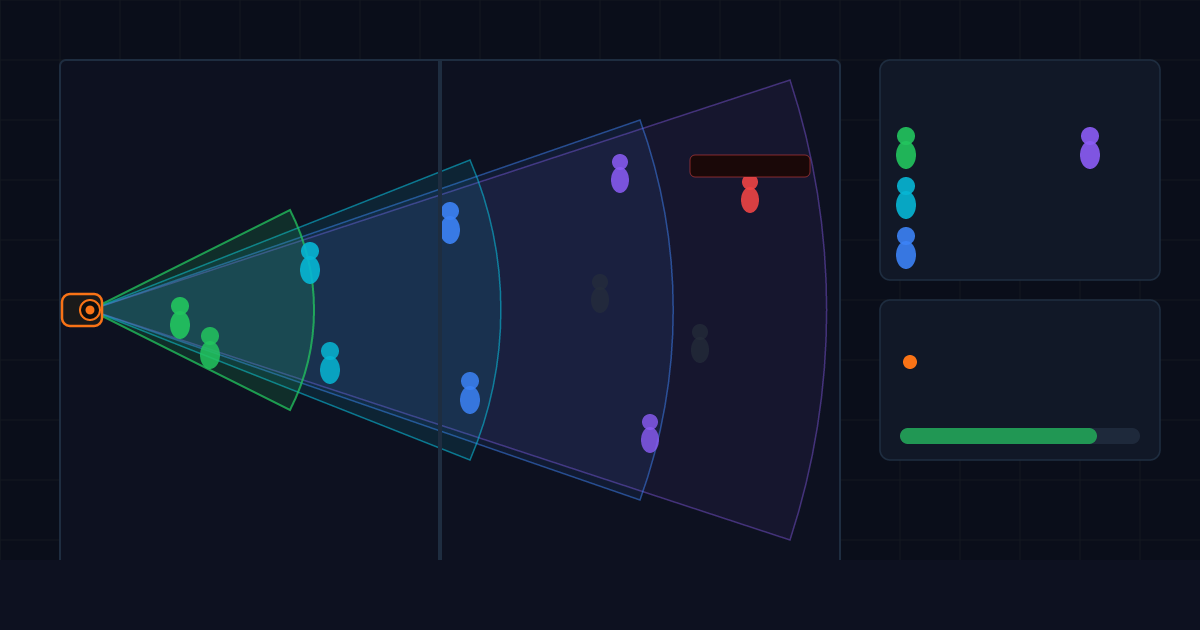
Why plan ANPR before you install
An ANPR camera that is mounted at the wrong height, angle, or distance will read plates in the demo and fail in the rain at 60 km/h. Getting the geometry right on paper is the difference between a working system and an expensive callback. This tool makes plate-read geometry visible:
- Draw roads, lanes, and junctions on a floor plan or satellite image at true scale.
- Run live traffic — a realistic mix of bikes, cars, vans, buses, and trucks moving at the road speed.
- Score every vehicle in real time for Detection, Observation, and Licence-Plate Recognition (≥ 250 px/m plate-read quality) per EN 62676-4.
- Check the approach angle — the tool flags when the angle is too steep to read a front or rear plate.
- Read per-camera statistics — captures, observed-only, and missed passes, with an overall plate-read rate.
- Export a vehicle coverage report alongside the rest of your CCTV design.
Ideal for
Car park entries and exits, gatehouses and barriers, toll points, weighbridges, building perimeters, compounds, and city/traffic surveillance — anywhere number-plate capture is a contract requirement.
Frequently asked questions
What plate-read quality does it use?
It uses the EN 62676-4 identification benchmark — around 250 pixels per metre on the plate — plus a maximum approach angle for front and rear plates.
Can I simulate different vehicle types?
Yes — bikes, cars, vans, buses, and trucks, each at realistic length, width, and speed, in an adjustable traffic mix.
Is it free?
Yes, free during early access with no download and no camera limit.
Design ANPR coverage — free →