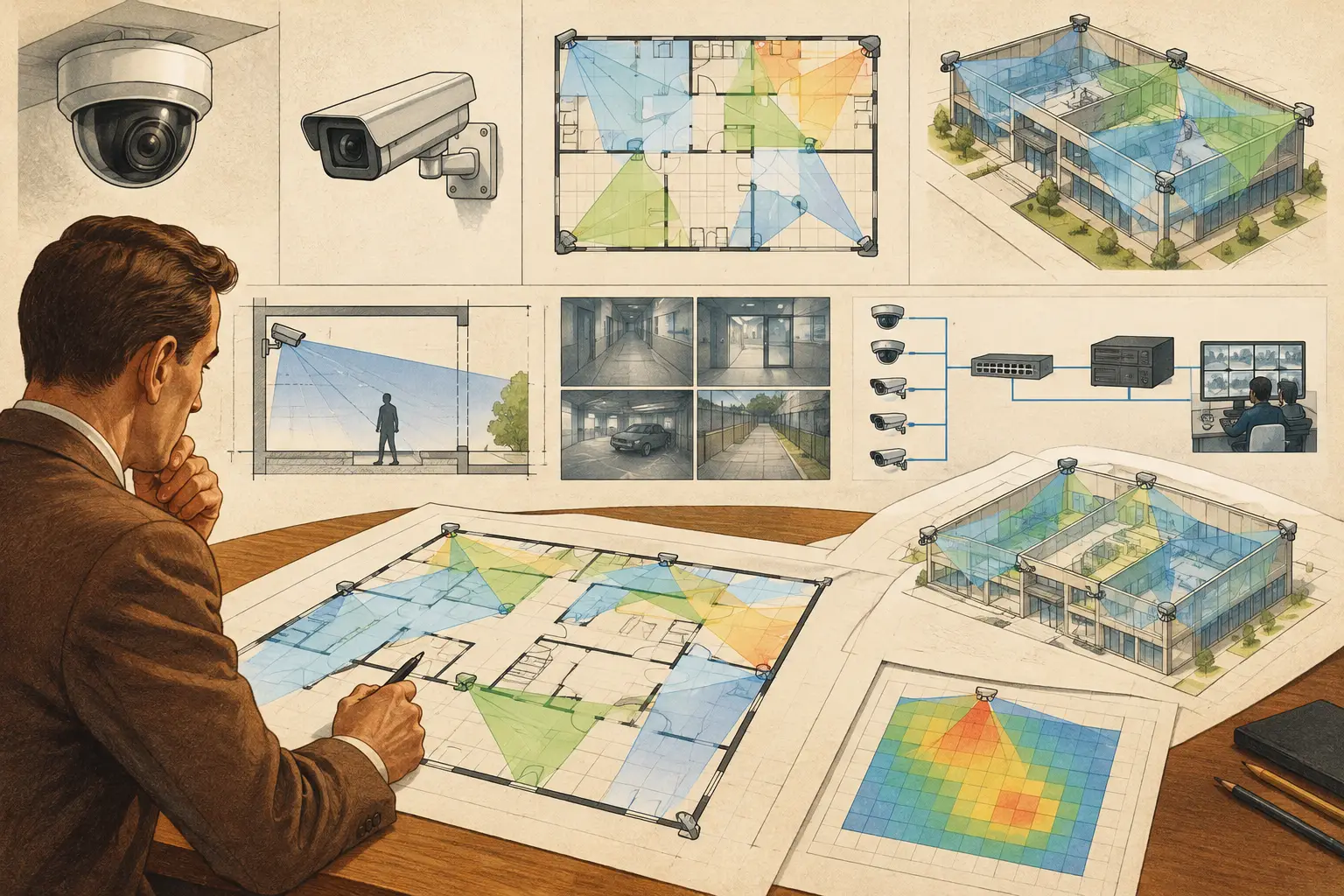
A camera icon placed on a floor plan is not yet a camera design. It does not confirm the drawing scale, the scene width at the target, the pixel density at the far edge, or whether a wall blocks the view. AI camera planning can accelerate the early stages of this work, but its value depends on the quality of the geometry, camera inputs, and engineering review behind it.
For security consultants, installers, architects, and project owners, the practical question is not whether AI can suggest a camera location. It is whether the resulting design can be checked, coordinated, revised, and explained to the people responsible for approving, procuring, and installing the system. That requires a disciplined workflow from drawing import through coverage review and documentation.
What AI Camera Planning Should Actually Do
AI camera planning is best understood as decision support for CCTV design. Depending on the workflow and available data, it may help identify room boundaries, recognize plan features, suggest areas that may need observation, organize camera data, or flag apparent gaps in a proposed layout. These tasks can reduce repetitive work, particularly on large or frequently revised drawings.
It should not be treated as a substitute for a security brief or verified site geometry. An algorithm cannot independently determine whether a loading bay requires identification-level coverage at a gate, whether a reception desk needs an evidential view of a transaction, or whether a camera location is acceptable to the architect, facilities team, and installer. Those decisions depend on operational risks, project requirements, local rules, physical conditions, and professional judgment.
The strongest use of AI is therefore to make the design process more traceable. It can help a designer move faster from an unstructured drawing to a reviewable starting point. The designer must still verify scale calibration, walls, openings, mounting constraints, lens selection, occlusion, and the intended DORI objective.
Start With a Calibrated, Verified Drawing
Every calculated CCTV result is affected by the accuracy of the plan underneath it. If a floor plan is imported at the wrong scale, a field-of-view calculation may look convincing while representing the wrong real-world distances. A small calibration error can change estimated scene width, target pixel density, cable quantities, and the apparent relationship between a camera and its subject.
Import the latest available drawing and calibrate it against a known dimension that is clear and reliable. Then review the physical geometry. Walls, glazed partitions, doors, atriums, shelving, columns, gates, and outdoor boundaries all affect what a camera can see. A line on a drawing may represent a solid wall, a low partition, or an opening. AI-assisted recognition can provide a useful first pass, but it cannot reliably infer every construction detail or finished height from a plan alone.
This review should also separate permanent geometry from operational obstructions. A rack layout in a warehouse, parked vehicles in a yard, display fixtures in retail, and vegetation around a perimeter may create occlusion even when the architectural plan appears open. Where the risk is material, confirm the condition through site information, elevations, photographs, or coordination with the project team.
Define the Observation Task Before Placing Cameras
Camera placement starts with the required outcome, not with a preferred camera model. A corridor may need general monitoring for movement. A doorway may require recognition of people entering. A vehicle entrance may require a more demanding target area. These are different design tasks and should not be represented by the same generic coverage cone.
DORI provides a useful framework for discussing the intended level of detail: detection, observation, recognition, and identification. Pixel density, commonly expressed as pixels per meter or PPM, helps translate that objective into a measurable design check. The required PPM should be defined by the project brief and verified against the applicable requirements, rather than assumed from a color-coded drawing.
At this stage, record the inputs that define a meaningful calculation:
- Camera resolution and active sensor format
- Focal length or varifocal adjustment range
- Mounting height, direction, and tilt
- Target areas and required DORI level
- Expected physical and operational obstructions
These parameters have to work together. A higher-resolution camera may improve available detail, but it does not remove the effect of a wide scene, an unsuitable focal length, poor mounting angle, motion blur, lighting limitations, or an obstructed line of sight. Manufacturer-specific image processing and low-light performance should be reviewed from verified datasheets and tested where the project demands it.
Test Field of View Against Physical Reality
Once the camera parameters are defined, calculate the field of view and place it in the calibrated environment. The useful question is not simply whether the cone reaches the target. Review how much of the target occupies the image, what lies at the edge of the frame, and whether the required pixel density is maintained over the critical area.
A broad overview camera can be appropriate for situational awareness in a lobby or parking area. It may be unsuitable for recognition at a distant doorway. Conversely, a narrow field of view can provide detail at a gate but create blind spots around the approach route. The answer is often a combination of overview and target-focused cameras, not an attempt to make one device perform every task.
Mounting height and tilt need similar scrutiny. Raising a camera can reduce tampering risk and widen the visible area, but it can also produce steep angles that reduce usable facial detail or obscure activity beneath the camera. A lower position may improve a target view while creating greater risk of vandalism, glare, or interference with the architectural design. AI suggestions should be evaluated against these site-specific trade-offs.
Review Occlusion, Blind Spots, and Coverage Overlap
Coverage visualization becomes useful when it accounts for walls and other verified obstructions. A camera cone that passes through a solid wall is not a coverage result. It is a drafting error with potentially expensive consequences.
Review each camera in relation to the design intent. Look for blind spots at doors, corners, stair landings, service corridors, and transitions between indoor and outdoor areas. Then examine overlap. Some overlap is deliberate: it can support continuity between zones, provide alternate views of a critical route, or reduce the consequence of a temporary obstruction. Excessive overlap, however, can add camera count, storage demand, network load, and review complexity without improving the required outcome.
The right level of overlap depends on the risk and operational use case. A public lobby and a high-risk access point should not necessarily be designed to the same coverage logic. Document why particular areas receive higher coverage and why others are intended only for general observation.
Carry the Design Into Network and Delivery Planning
A camera layout is incomplete if it cannot be connected, powered, recorded, and maintained. As the design stabilizes, plan network topology alongside coverage. Group cameras by their likely switch location, identify cable routes and approximate distances, consider PoE budgets, and record assumptions about uplinks, recording infrastructure, and resilience requirements.
These are design inputs, not promises of installed performance. Final network capacity depends on the selected camera settings, codec, frame rate, scene activity, retention policy, recording architecture, and the approved ICT design. A camera schedule should therefore make assumptions visible rather than hiding them inside a diagram.
A browser-based workspace such as CCTV Design Tool Online can keep calibrated geometry, camera specifications, field-of-view calculations, DORI checks, coverage views, and report content connected in one persistent design record. This is especially helpful when the architect moves a wall, a client changes the observation objective, or an integrator needs to explain why a lens selection changed. The benefit is not automated approval. It is a clearer chain from requirement to calculation to deliverable.
Use AI Outputs as Review Prompts, Not Final Answers
Before issuing a design, review AI-assisted recommendations with the same discipline applied to manually placed cameras. Check that suggested locations are installable, that wall recognition matches the current plan, that door swings and openings are correctly interpreted, and that all critical targets have an explicit coverage objective. Confirm that camera names, orientations, schedules, and report annotations agree.
A structured deliverable should let a reviewer see the drawing scale, camera assumptions, target areas, calculated coverage, blind-spot considerations, and network planning basis. It should also distinguish calculated design results from actual field performance. Construction changes, final mounting positions, lighting, camera firmware, configuration, and commissioning tests can all affect the installed outcome.
Good AI camera planning does not make engineering invisible. It gives the engineering team more time to test assumptions, coordinate with other disciplines, and produce a design that can withstand useful questions before equipment reaches the site.