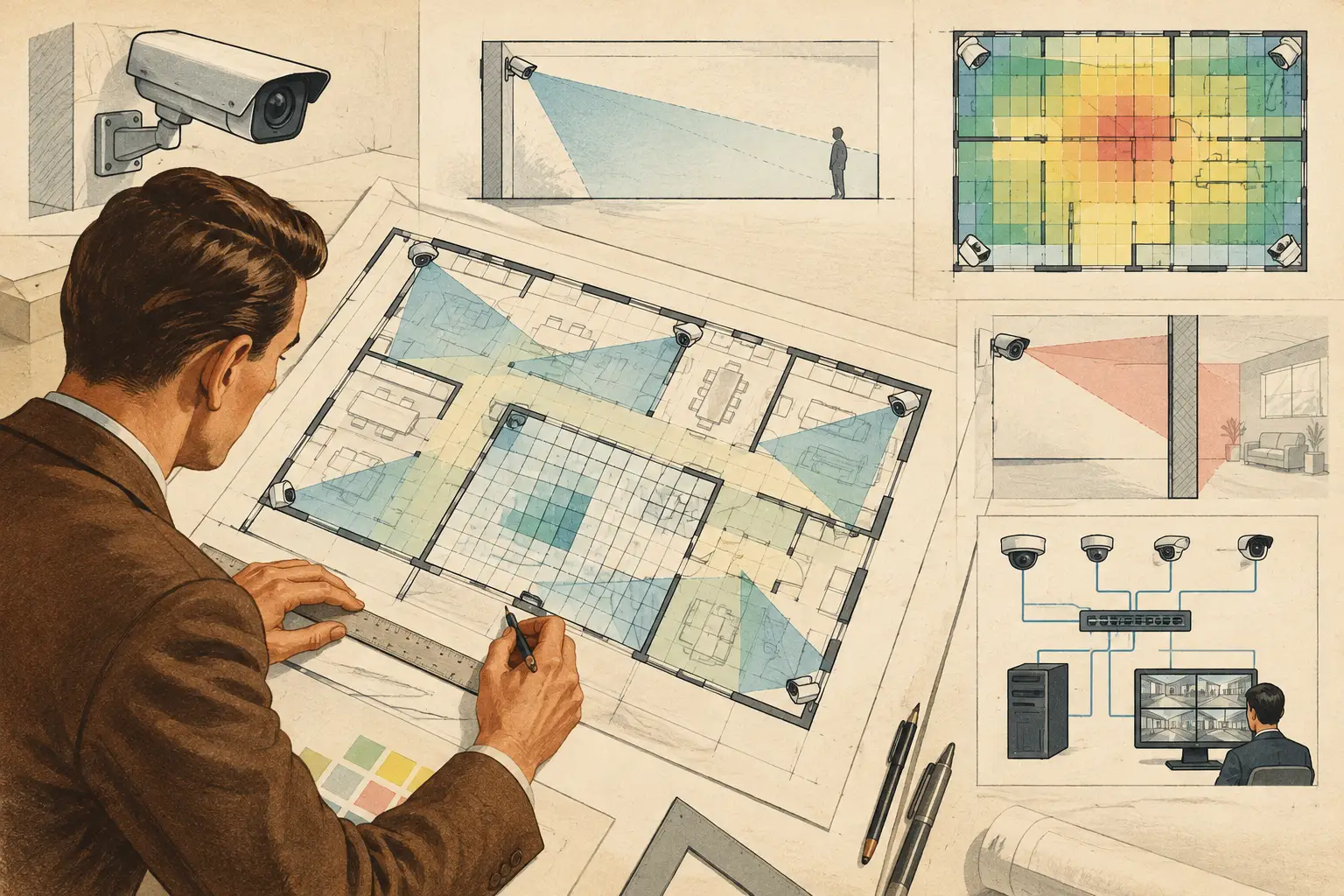
A camera layout can look credible while being wrong by several feet. When a floor plan is imported without a verified scale, every downstream result can be distorted: field of view width, focal-length selection, pixel density, DORI distances, wall occlusion, cable runs, and quantities. To calibrate floor plan dimensions is therefore not an administrative drawing step. It is the physical reference that makes a CCTV design measurable.
For security consultants, installers, and project reviewers, the objective is straightforward: establish a traceable relationship between pixels on the drawing and real-world distance on site. The process is simple in principle, but it requires disciplined source selection and validation.
Why Floor Plan Scale Calibration Affects CCTV Design
A floor plan may arrive as a PDF, image, scan, CAD export, or architectural background. It can contain a stated scale, but the stated scale may no longer apply after printing, scanning, exporting, cropping, or resizing. A plan marked 1:100 is not automatically a 1:100 working drawing once it becomes a raster image in a browser.
This matters because CCTV calculations are geometric. A camera with a given sensor size, focal length, mounting height, direction, and tilt produces a calculated field of view over a known distance. If the drawing scale is 10% too small, the apparent coverage area, target distance, and pixels per meter will also be materially affected.
The error is not always uniform in practical terms. A small scale discrepancy may have limited impact on a wide overview camera in an open lobby, yet it can change whether a doorway, cashier point, gate lane, or vehicle entrance reaches the project’s required DORI criterion. It may also conceal blind spots behind walls or make coverage overlap appear more generous than it will be in the installed environment.
Inputs to Verify Before You Calibrate Floor Plan Dimensions
Start with the best available reference drawing, preferably a current architectural or coordinated construction drawing. A dimension string between two walls, a room length, a structural grid spacing, or a clearly identified door opening can all provide a calibration reference. The selected reference must represent a real, fixed measurement rather than an assumed typical size.
A stated room label such as “meeting room” is not a measurement. Likewise, a furniture symbol, a parking bay, or a desk layout should not be used unless its dimensions are explicitly documented and confirmed. Door widths can be useful only where the drawing identifies the opening size and the wall geometry is clear.
Before setting scale, check four conditions:
- The drawing revision is suitable for the CCTV design stage and has not been superseded.
- The two calibration points are visibly identifiable and lie on the same drawing plane.
- The known dimension is readable, unambiguous, and expressed in the project’s intended unit.
- The imported image has not been stretched disproportionately in the horizontal or vertical direction.
That final point deserves attention. A scanned drawing can be skewed or stretched. A single reference measurement may produce a plausible result along one axis while distances in the other axis remain inaccurate. Where distortion is suspected, compare at least one horizontal and one vertical known measurement before relying on the plan for coverage calculations.
A Practical Calibration Workflow
1. Import the most reliable drawing available
Use the plan that most closely represents the space being designed. For a multi-level building, treat each floor separately unless a coordinated drawing clearly establishes consistent scale and alignment. Remove unnecessary borders or blank margins only if doing so does not alter the image proportions.
If a PDF contains vector information, retaining its original geometry is generally preferable to using a low-resolution screenshot. If only a scan is available, inspect it closely for skew, warped edges, or missing dimensions before investing time in detailed camera placement.
2. Select a long, known reference distance
Choose the longest reliable dimension that is practical on the portion of the plan being designed. Longer references reduce the relative effect of clicking error. For example, an error of two pixels has much less influence when calibrating across a 100-foot corridor than across a 3-foot door opening.
The reference should also be direct. A dimension between the inside faces of two walls should be calibrated between those same faces, not between arbitrary points near the annotation. Follow the drawing’s dimension convention carefully, particularly where wall finishes, columns, or facade lines are involved.
3. Place calibration points precisely
Set the first and second points on the exact endpoints of the known distance. Zoom in sufficiently to distinguish wall faces, grid lines, centerlines, and dimension extension lines. Do not estimate from the middle of a thick line when the drawing indicates a specific face or centerline.
Then enter the real-world measurement and confirm the unit. Teams may use feet and inches, decimal feet, meters, or millimeters. The unit itself is less important than consistent use throughout the model, but conversion errors are common when drawings and specifications originate from different disciplines.
4. Validate the calculated scale against independent dimensions
Do not proceed directly from one reference measurement to a full camera design. Check at least two additional dimensions in separate parts of the drawing. Compare a corridor width, room depth, grid spacing, or another documented measurement against the calibrated value.
If the differences are minor and consistent with the drawing quality, record the limitations and continue with appropriate design judgment. If the differences vary significantly, investigate before positioning cameras. The plan may have been stretched, assembled from multiple sources, or produced at inconsistent scales.
5. Lock the reference and document the source
A calibrated drawing should have a clear audit trail. Record the source file, revision, reference dimension used, units, and any known constraints. This is especially valuable when a consultant revises the design, an installer queries camera positions, or a client asks why a calculated coverage distance differs from a later site measurement.
In a persistent design workspace, calibration should remain associated with the drawing rather than being recreated from memory in every revision. CCTV Design Tool Online supports this workflow by allowing the floor plan and its physical geometry to remain connected to camera calculations, coverage analysis, and reporting.
Check Geometry Before Trusting Coverage Results
Scale calibration establishes distance, but it does not make the floor plan complete. Before relying on field-of-view diagrams, review walls, doors, openings, partitions, counters, racking, and other relevant obstructions. A camera cone drawn across an unmodeled wall may be mathematically correct in open space and operationally wrong in the building.
Consider the difference between permanent and temporary obstructions. Full-height walls, structural columns, and fixed joinery should be represented where they affect line of sight. Movable furniture may be less suitable for base geometry, but it can still influence the final mounting strategy or commissioning checks. Warehouses, retail sites, and public-facing facilities often require particular care because shelving, displays, and queues can change the practical view after installation.
Mounting height also needs to be realistic. A plan view alone cannot confirm whether a camera sees over a partition, under a canopy, or through an opening. Use available elevations, reflected ceiling plans, site photos, and coordinated architectural information to check height, tilt, and occlusion assumptions.
Apply Calibration to Camera Engineering, Not Just Placement
Once the floor plan has a validated scale, camera design becomes defensible rather than illustrative. Position each camera according to the security objective, then configure its resolution, sensor size, focal length, mounting height, direction, and tilt. The resulting field of view can be evaluated against physical distances instead of arbitrary drawing pixels.
Review pixel density at the target, not merely across the widest visible area. PPM requirements depend on the task and project brief. DORI can provide a structured way to discuss detection, observation, recognition, and identification distances, but calculated DORI results should be treated as design guidance. Actual performance depends on scene lighting, motion, compression, focus, lens quality, camera processing, installation tolerances, and verified manufacturer specifications.
Scale also supports coordinated network planning. Measured cable pathways, equipment-room distances, and likely aggregation points can be assessed with more discipline when the drawing represents real dimensions. This does not replace an ICT design or site survey, but it improves early coordination between security, electrical, and network stakeholders.
Common Calibration Errors That Create Rework
The most frequent error is calibrating from a printed scale bar after the page has been resized. A scale bar can be valid on the original sheet but invalid in an exported image. Use a labeled physical dimension whenever possible.
Another common issue is using an external building dimension for an internal layout without confirming the wall build-up. The difference may be small on a compact office, but it accumulates across long spaces. Teams also sometimes calibrate a plan before cropping or rotating it, then alter the image afterward. Any transformation that changes proportions requires validation again.
Finally, avoid treating an architect’s background as a verified as-built survey. Design drawings can contain assumptions, late changes, or incomplete tenant fit-out information. Where camera coverage is critical, confirm high-risk distances and obstructions during a site survey and incorporate approved changes into the issued design.
Make Scale a Controlled Design Input
Calibration is best handled as a controlled input, similar to camera datasheets and coverage criteria. State the drawing revision, preserve the reference measurement, and recheck scale whenever the plan changes. During review, ask a direct question: do the camera positions, fields of view, and target distances still relate to the latest physical geometry?
That discipline will not guarantee installation performance or regulatory acceptance, which require qualified review and project-specific verification. It does give every stakeholder a clearer basis for discussing coverage, blind spots, overlap, equipment locations, and the assumptions that should be checked on site before handover.