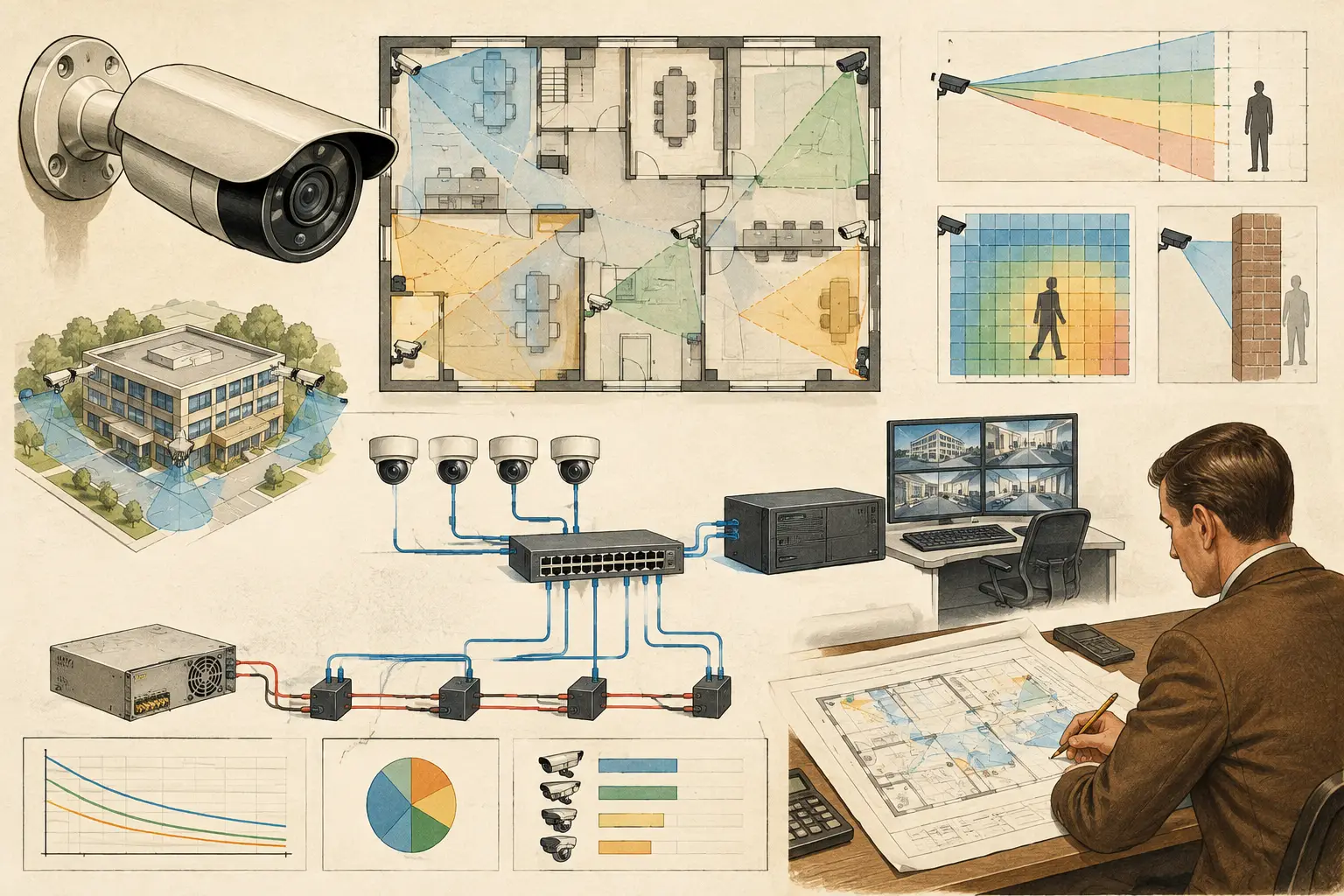
A camera can have the correct field of view, focal length, mounting height, and pixel density yet still fail at the point it is needed most: after dark, during a cold start, or when the site transfers to backup power. Camera power budgeting turns power from an installation assumption into a documented design input. It establishes whether every camera, network device, and supporting enclosure can receive adequate power under expected operating conditions.
For CCTV designers, this work belongs alongside DORI review, coverage overlap, network topology, and cable-path coordination. It is not a final procurement check. A power shortfall can change the number of cameras a switch can support, the allowable cable distance, the size of a UPS, and sometimes the preferred location of an IDF or field cabinet.
What camera power budgeting measures
Camera power budgeting is the calculation and allocation of electrical demand across a CCTV system. The process starts with individual device loads, then tests those loads against the capacity of each power source and distribution path.
The basic calculation is straightforward:
Total demand = the sum of connected device power loads
The engineering work is in selecting the right load for each device and applying it to the correct scenario. A fixed indoor camera may draw a relatively stable load. An outdoor PTZ camera can draw substantially more power when motors move, IR illumination activates, a heater operates, or the unit starts after an outage. A camera datasheet may show typical and maximum power values. For design purposes, the maximum stated operating demand is generally the relevant value unless the project specification defines another verified method.
The budget must also include equipment that supports the cameras: PoE switches, media converters, wireless bridges, managed field switches, fiber converters, access-control interfaces within a shared cabinet, and any enclosure heater or fan supplied from the same protected source. Their power can affect UPS runtime even when it is not delivered through PoE.
Watts, volts, amps, and PoE classes
Most CCTV power planning is expressed in watts because it allows different voltage systems to be compared consistently. The relationship is:
Power (W) = Voltage (V) × Current (A)
For Power over Ethernet, the switch must deliver enough power at each port and enough aggregate power across its PoE budget. Those are separate constraints. A switch may have ports capable of a higher PoE class while its total power supply cannot support every port at that class simultaneously.
Do not assume a 24-port PoE switch can power 24 cameras simply because it has 24 PoE ports. Review the switch’s stated aggregate PoE budget, the per-port limit, its available power supply configuration, and any manufacturer-specific restrictions. If redundant power supplies are part of the design, confirm whether redundancy increases available PoE capacity or only maintains operation after a supply failure.
Build the budget from a camera schedule
A reliable calculation begins with a structured camera schedule, not a count of symbols on a floor plan. Each camera entry should identify the camera type, power method, maximum stated power draw, location, serving switch, intended cable path, and backup-power dependency.
At a minimum, distinguish fixed cameras from PTZ cameras, cameras with integrated IR from cameras using external illuminators, and indoor devices from environmental housings. A camera selected to meet identification-level PPM at a gate may require a different lens and potentially different power characteristics than a wide-angle overview camera covering a parking area. Optical selection and power selection are related, even though they are normally reviewed in different schedules.
For each network cabinet or field enclosure, total the camera loads served by that device. Then add a defined design margin. The margin is not a substitute for missing data or incorrect camera specifications. It provides controlled headroom for tolerances, future adjustments, and practical operating variation. The appropriate margin depends on the project’s procurement rules, spare-capacity requirements, and the degree of certainty in the selected equipment.
A useful schedule records both calculated and verified values. For example, a design may allocate a maximum wattage based on the current datasheet, then require the installer to validate final camera and switch model numbers before procurement. This preserves traceability when equipment substitutions are proposed.
Check the cable path, not only the switch
Adequate switch capacity does not guarantee adequate power at the camera. Copper cable length, conductor quality, connector condition, ambient environment, and intermediate connections can all influence delivered power. With PoE, the applicable Ethernet standard, cable category, and actual route length matter.
The horizontal distance shown on a drawing is rarely the installed cable length. Add vertical risers, ceiling routes, containment changes, service loops, cabinet entry, and a reasonable allowance for routing around structural elements. A camera at the far end of a long corridor may appear to be 80 feet from the closet on plan but require several times that length once the installed route is measured.
This is especially relevant for high-demand cameras. Long routes to PTZ cameras, multi-sensor units, cameras with heaters, or devices using active illumination should be reviewed early. The design response may be a closer switch location, a fiber uplink to a local field switch, a revised cabinet arrangement, or a different camera power architecture. Each option has trade-offs involving maintenance access, network resilience, environmental protection, and cost.
Design for operating states, not average behavior
Average consumption can hide the condition that causes a system outage. Build scenarios around how the site will actually operate. Daytime operation may use little IR power, while nighttime operation activates illuminators across an entire perimeter. A cold morning can increase heater demand. A utility failure may cause all devices to restart together while the UPS is under load.
For a practical review, assess at least normal operation, peak nighttime operation, and backup-power operation. Where the system includes PTZ cameras, consider whether simultaneous movement is realistic or whether the operational concept limits movement to selected cameras. Document the assumption rather than treating it as a universal rule.
This is also where security and ICT coordination becomes valuable. Network teams may size switches around port count and throughput, while security teams focus on image performance, DORI targets, occlusion, and coverage gaps. The final design needs both perspectives. A camera that meets the coverage model but is allocated to an overloaded PoE switch is not a deployable solution.
Size backup power around the required outcome
UPS planning starts with a question: what must remain operational, and for how long? The answer varies by project. Some facilities need a controlled shutdown period for recorders and switches. Others require selected cameras, network cabinets, and recording infrastructure to continue through a defined outage. These requirements should come from the project brief, risk assessment, and applicable site requirements, not from a generic runtime assumption.
Estimate backup demand by adding the loads that remain energized during the outage. Include PoE-delivered camera load, the switch’s own consumption, recording or storage equipment where applicable, and any supporting network hardware. Then assess the UPS using its documented output capability and runtime data at the calculated load. Battery age, temperature, charging conditions, and manufacturer design limits affect actual runtime, so calculated results should be treated as planning values rather than a field-performance guarantee.
If generator support is available, coordinate transfer time and the requirement for the UPS to bridge that interval. A short outage can still restart cameras if the UPS is undersized or if switch startup demand has not been considered.
Common budgeting failures
Several recurring mistakes create late-stage rework. The first is using typical camera power instead of the maximum stated operating value. The second is treating a switch’s port count as its PoE capacity. The third is omitting field equipment and cabinet auxiliaries from the UPS calculation.
A fourth issue is losing the connection between the drawing and the schedule. Camera locations change after a review of blind spots, wall occlusions, mounting height, or required coverage overlap, but the serving cabinet and cable route are not updated. Power and network calculations then describe an earlier version of the design.
A coordinated workspace helps control this change process. In CCTV Design Tool Online, camera positions, physical geometry, coverage analysis, and network planning can be reviewed within the same design context, helping teams identify when a revised camera layout should trigger a power and topology review. Final equipment selection and installation validation still require qualified engineering review and verified manufacturer data.
Make the budget a deliverable
The most useful power budget is not a one-time spreadsheet hidden in a design folder. It is a controlled project deliverable that can be reviewed by security, ICT, electrical, and installation teams. It should identify assumptions, source datasheets, cabinet-level totals, spare capacity, cable-route constraints, UPS scenarios, and items awaiting confirmation.
When the field team can trace a camera from its field of view and PPM objective to its switch port, cable path, power allocation, and backup source, coordination becomes much more practical. That traceability gives the project team a better question to ask before installation: not whether the camera appears on the plan, but whether it can continue delivering the intended image under the conditions the site expects.