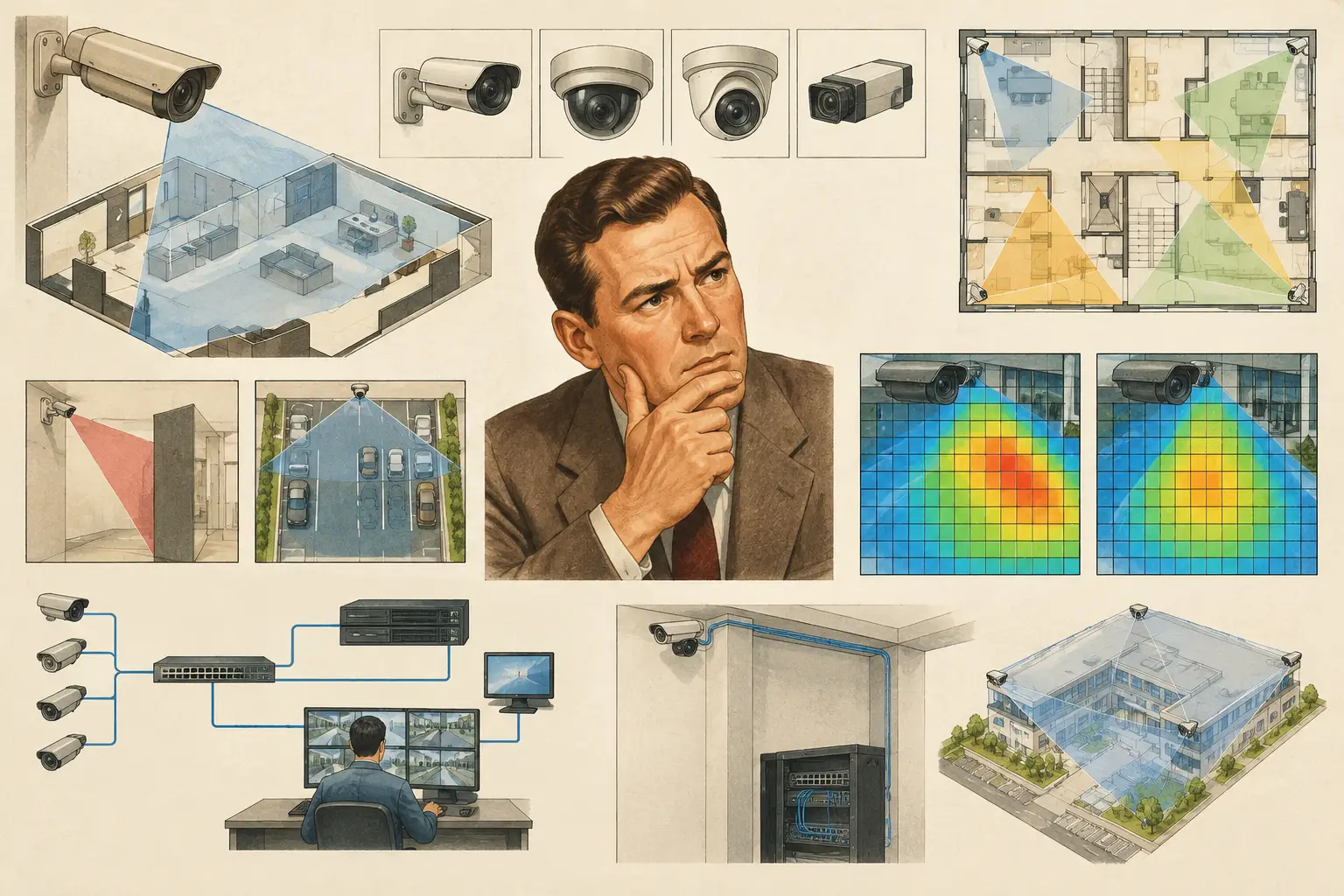
A camera icon placed neatly on a floor plan can create false confidence when its underlying inputs are wrong. Camera specification errors can make a coverage drawing look complete while overstating usable identification range, missing an occluded doorway, or underestimating storage and network demand. The issue is rarely one incorrect value in isolation. It is the way sensor size, focal length, resolution, mounting geometry, and operational objective combine.
For security consultants, installers, and project reviewers, the objective is not merely to select a camera with an impressive datasheet. It is to create a traceable design model that connects a verified camera specification to the physical scene and the required security outcome. That requires checking the inputs before relying on field-of-view cones, DORI results, or camera schedules.
Why camera specification errors create project risk
A camera's stated resolution does not describe what it can achieve at a given point in a scene. Pixel density changes with distance and with the width of the observed area. A 4K camera looking across a wide parking area may provide useful observation coverage, while delivering insufficient pixels per foot or pixels per meter for identification at the perimeter.
The same applies to a lens. A focal length that appears suitable on a generic camera diagram may produce a materially different horizontal field of view when paired with a different sensor format. If the model uses a 1/2.8-inch sensor while the specified camera has a 1/1.8-inch sensor, the calculated scene width can be wrong even though the focal length is entered correctly.
These errors propagate. A field-of-view calculation influences DORI review; DORI affects the camera count and placement strategy; the camera count affects switch capacity, PoE budget, bandwidth, storage, containment routes, and the final bill of quantities. Correcting specifications late can therefore require more than moving a camera symbol. It may require redesign across security, ICT, and construction disciplines.
7 camera specification errors to check first
1. Using resolution as a substitute for pixel density
Resolution is the total number of pixels produced by the camera. Pixel density expresses how those pixels are distributed across the target area. Treating the two as interchangeable is one of the most common design mistakes.
Start with the operational requirement at each monitored location. Is the camera intended to detect movement, observe activity, recognize a familiar person, or identify an unknown person? DORI provides a useful structure for this discussion, but its application should reflect the project's defined acceptance criteria and the actual target area. Review PPM at the relevant distance or zone, not only at the center of the camera cone.
A wide-angle camera can be appropriate for general situational awareness, but it may need support from a more tightly framed camera at entrances, transaction points, vehicle gates, or other locations requiring higher pixel density.
2. Entering focal length without verifying sensor size
Focal length and sensor size must be assessed together. The same 2.8 mm lens creates different coverage widths on different sensor formats. A design that copies a focal length from a schedule but uses a default sensor size can overstate or understate the resulting field of view.
Use the camera manufacturer's current official datasheet to confirm the sensor format, focal-length range, and stated field of view where available. For varifocal cameras, record the intended design focal length rather than simply writing the full lens range, such as 2.8-12 mm. A range is a hardware capability; the chosen focal length is the design decision that determines coverage.
3. Treating a varifocal lens as if it has one fixed view
A varifocal camera is often specified for flexibility during commissioning. That does not remove the need to document the intended framing. If a drawing assumes the camera will be set near 12 mm but an installer commissions it near 4 mm to obtain a wider image, the calculated PPM and DORI results no longer represent the installed condition.
Specify the proposed focal setting, direction, tilt, mounting height, and target zone in the camera schedule. Where adjustment may be necessary on site, define an acceptable framing range and recheck coverage after any material adjustment. Site constraints can justify a different setting, but the documentation should then be updated to reflect the verified as-built configuration.
4. Modeling mounting height but ignoring tilt and target plane
Mounting height alone does not explain camera geometry. Tilt changes how much of the frame is spent on pavement, ceiling, or distant background. A steep downward tilt may improve near-field observation but reduce detail at the far end of a corridor. A shallow angle can preserve distance coverage but introduce glare, horizon clutter, or occlusion from furniture and people.
Model the camera at its realistic mounting height, including the bracket position where relevant, then set the direction and tilt toward the intended target plane. For exterior scenes, review vehicle or pedestrian target areas at their actual elevations rather than assuming a flat, unobstructed ground plane. Sloped sites, loading docks, stairs, and ramps can materially change the result.
5. Letting coverage cones pass through physical obstructions
A camera cone that ignores walls, partitions, racking, soffits, trees, or equipment is not a coverage result. It is only an optical projection. In occupied buildings, even transparent partitions, open doors, and furniture layouts can influence usable surveillance coverage.
Import and calibrate the drawing, then review walls and physical geometry before placing cameras. Distinguish between permanent obstructions and operational ones that may change over time, such as warehouse pallets or vehicle queues. A camera may calculate adequate PPM at a door, for example, while the door leaf blocks the approach path when open.
This is also where overlap deserves careful review. Overlap can provide resilience at critical routes, support tracking between zones, and reduce blind spots created by local obstructions. It can also create unnecessary camera count if applied without a defined purpose.
6. Copying camera parameters across different scene types
Standardizing equipment can simplify procurement and maintenance, but a single camera configuration rarely suits every scene. A lobby, long corridor, perimeter fence, elevator landing, and license-plate capture location have different working distances, lighting conditions, target motion, and evidential objectives.
Use a common hardware family where appropriate, then configure each camera according to the task. This may mean varying focal length, mounting position, tilt, or required pixel density. It may also mean documenting why a wide overview camera is paired with a tighter identification camera rather than expecting one device to perform both roles.
Low-light performance, wide dynamic range, shutter settings, illumination, compression, and analytics can affect field performance too. These should be assessed against verified manufacturer data and site conditions. They should not be inferred from resolution or used to claim a calculated design will perform identically in all lighting conditions.
7. Failing to synchronize specifications across deliverables
A design can be technically sound in the model and still fail coordination if the camera schedule, floor plan, network worksheet, and report use different values. Common examples include a changed resolution on the schedule but an unchanged bandwidth calculation, or a revised mounting height that is not reflected in the elevation drawing.
Maintain one controlled source for camera inputs and revise dependent outputs when a specification changes. Each camera record should identify its model reference or technical basis, sensor size, resolution, focal setting, mounting height, direction, tilt, intended function, and calculated coverage result. The level of detail depends on the project stage, but ambiguity should decrease as the design progresses.
A persistent design workspace such as CCTV Design Tool Online can help teams connect calibrated plans, physical geometry, field-of-view calculations, DORI and pixel-density review, network planning, and structured reporting. The output remains design guidance, however. Qualified professionals should verify actual dimensions, selected equipment, installation constraints, lighting, and project-specific requirements before installation or acceptance.
A practical verification workflow
Begin by confirming drawing scale calibration. An incorrect scale makes every downstream distance calculation unreliable, including field of view, PPM, cable-route estimates, and mounting positions. Check the scale against a known dimension on the latest architectural drawing, and record any limitations in the source information.
Next, build or review the physical environment. Confirm walls, doors, columns, major ceiling features, and known external obstructions. Place the camera at the proposed physical location, then configure its sensor size, resolution, lens setting, direction, mounting height, and tilt from the design basis. At this stage, inspect the visible scene rather than relying on a symbolic cone.
Review DORI and pixel density at the exact areas where each operational outcome is required. Then assess blind spots, occlusions, and purposeful overlap with adjacent cameras. Only after the camera configuration is credible should the team use it to develop bandwidth, storage, PoE, switch-port, and network-topology assumptions.
Finally, issue a coordinated camera schedule and report that state the design inputs, calculated outputs, assumptions, and items requiring site verification. This creates a practical audit trail when the design is reviewed by clients, contractors, ICT teams, or authorities with their own project requirements.
Treat the camera schedule as an engineering control
The strongest camera schedule is not a procurement list. It is a controlled record of why each camera is where it is and what it is expected to achieve. When specifications change, update the geometry and recalculate the affected coverage rather than assuming the change is minor.
That discipline turns a camera layout from a persuasive drawing into a reviewable design decision. The result is not a promise of field performance, but a clearer basis for installation, testing, coordination, and informed professional judgment.