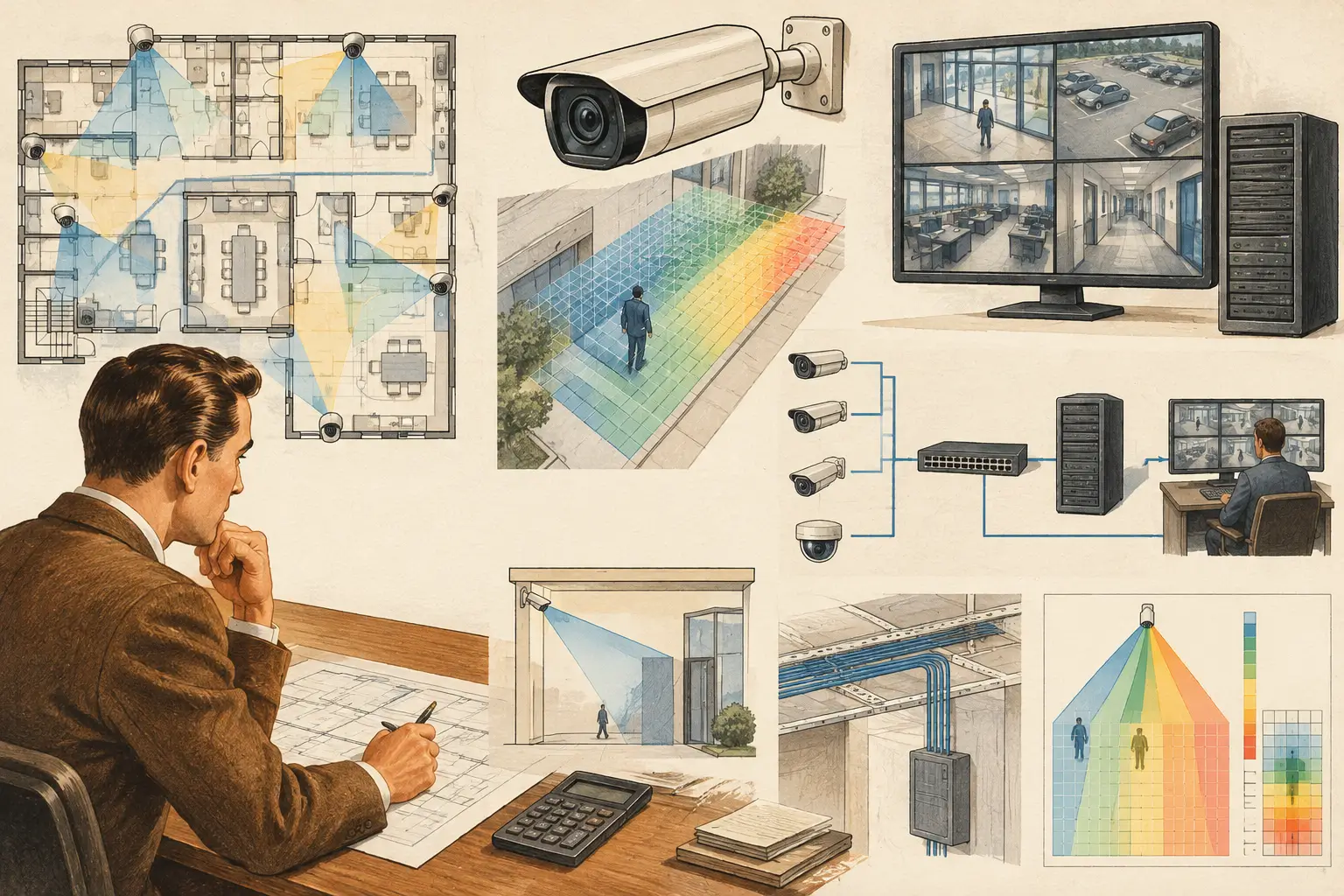
A camera schedule can look technically complete while the network design is already undersized. A 4K camera, for example, does not consume a fixed amount of bandwidth simply because of its resolution. Scene movement, compression settings, frame rate, lighting, and recording mode all affect the stream. Knowing how to calculate camera bandwidth means converting camera assumptions into a network load that can be reviewed, tested, and revised before installation.
For CCTV designers, the calculation is not an isolated ICT exercise. It connects camera placement, field of view, pixel density, DORI objectives, recording requirements, switch uplinks, wireless bridges, and storage architecture. The result should be traceable from each camera specification through to the network topology.
How to Calculate Camera Bandwidth From Bitrate
The most reliable starting point is the bitrate of each configured video stream. Bandwidth is normally expressed in megabits per second (Mbps), while storage calculations use megabytes, gigabytes, or terabytes. Do not confuse the two: 8 bits equal 1 byte.
For a single camera, use:
`Camera bandwidth (Mbps) = primary stream bitrate + secondary stream bitrate + protocol allowance`
If a camera has one 6 Mbps recording stream and a 0.5 Mbps low-resolution viewing stream, its nominal video load is 6.5 Mbps. Add a reasonable allowance for protocol overhead and operational variation. The exact allowance depends on the camera, video management system, transport method, and network architecture, so it should be confirmed during detailed design rather than treated as a universal percentage.
For an initial estimate across a group of cameras:
`Total bandwidth (Mbps) = sum of all concurrent camera stream bitrates × overhead factor`
A 16-camera switch with cameras configured at 4 Mbps each has 64 Mbps of primary-stream traffic before overhead. If the switch also carries secondary streams, audio, management traffic, or traffic from other systems, those loads need to be included. The correct output is not merely a total Mbps figure. It is a clear statement of where that traffic exists: at the camera port, access-switch uplink, distribution layer, recorder interface, and any remote WAN or wireless connection.
Start With the Stream That Will Actually Be Recorded
Resolution and frame rate are inputs, not bandwidth answers. A 1080p camera at 15 fps can produce a higher bitrate than a 4K camera at 10 fps if the first camera views dense motion, foliage, rain, traffic, or low-light noise under less efficient compression settings.
Record the following inputs for every camera type or camera position:
- Primary-stream resolution, frame rate, codec, bitrate mode, and configured maximum bitrate
- Secondary-stream settings, where live viewing or mobile access will use them
- Scene characteristics, including motion level, low-light conditions, reflective surfaces, weather, and image noise
- Recording mode, such as continuous, motion-based, event-based, or a combination
- Audio and analytics streams where they are enabled and supported
Constant bitrate, or CBR, makes capacity planning simpler because the configured rate is broadly predictable. Variable bitrate, or VBR, can provide better compression efficiency, but its actual traffic changes with the scene. A VBR camera aimed at a quiet interior corridor may average well below its cap. The same camera aimed at a busy entrance, parking area, or moving tree canopy may regularly approach its maximum bitrate.
For VBR designs, use the manufacturer-documented bitrate range or, preferably, measured data from a representative test scene. Design both the expected average and the credible peak. Average traffic helps estimate storage and routine utilization; peak traffic protects uplinks and recorder connections during busy periods.
Codec Changes the Estimate, Not the Design Requirement
H.264, H.265, and newer manufacturer-specific compression implementations can produce different bitrates for a comparable scene. H.265 often reduces bitrate relative to H.264 under suitable conditions, but it does not eliminate the need to size the network for the configured stream and expected scene complexity.
Codec selection also has operational trade-offs. Lower bitrate may increase processing demand, affect compatibility with legacy recorders or clients, or change image quality under motion. Confirm the codec supported by the camera, VMS or NVR, workstation, and any remote viewing path. Avoid assigning a generic Mbps value to a codec without reviewing the relevant camera configuration and manufacturer documentation.
Use Resolution, Frame Rate, and Scene Complexity Correctly
A practical preliminary calculation may begin with a target bitrate per camera, but it must be tied to a defined design purpose. First establish the required pixel density at the target area. DORI and pixels per meter, or PPM, help determine whether the camera's sensor, focal length, mounting height, tilt, and field of view can deliver the required image detail. Only then should the selected resolution and stream settings be used in the bandwidth model.
This order matters. Reducing resolution or frame rate to fit a constrained network can undermine the coverage objective. Conversely, specifying 4K everywhere can consume switch capacity and storage without improving identification performance at the relevant target distance. The appropriate bandwidth is a consequence of the camera design, not a number to select independently.
Frame rate should reflect the activity being monitored. A low-motion lobby, a pedestrian entrance, and a high-speed vehicle approach present different operational requirements. More frames per second usually increase bitrate, but the relationship is influenced by compression and scene content. Test the proposed settings where the project risk justifies it.
Map Bandwidth Through the Network Topology
A camera port needs enough capacity for its own traffic, but most failures occur at aggregation points. Review every path from camera to recorder or VMS:
`Camera → PoE access switch → uplink → distribution/core → recording server or NVR`
Calculate the aggregate load on each access-switch uplink, then repeat the process for distribution links and recorder-facing connections. A 1 GbE uplink may appear ample for a small group of cameras, but capacity must account for peak traffic, other network services, redundancy behavior, and the organization's utilization policy. A link should not be treated as available solely because its nominal port speed exceeds the calculated video total.
Where cameras cross a wireless bridge, cellular link, VPN, or WAN, calculate that segment separately. Latency, packet loss, variable throughput, encryption overhead, and shared traffic can affect live viewing and recording behavior. Remote recording may require local edge storage or a different recording strategy, but the choice should be coordinated with the project owner, ICT team, and applicable operational requirements.
PoE is related but separate. A switch can have sufficient Ethernet bandwidth while lacking the power budget for camera heaters, illuminators, PTZ movement, or startup demand. Review the PoE budget independently.
Convert Bandwidth to Storage Without Mixing Units
Once the recording bitrate is established, storage can be estimated with:
`Storage (GB) = bitrate (Mbps) × 86,400 × retention days ÷ 8 ÷ 1,000`
Using decimal storage units, one 4 Mbps continuous stream consumes approximately 43.2 GB per day. Over 30 days, that is about 1.30 TB before RAID configuration, filesystem overhead, spare capacity, metadata, audio, and any secondary recording streams.
For motion or event recording, do not simply multiply a continuous-recording figure by an assumed percentage unless the assumption is documented. Motion activity depends on camera view, sensitivity settings, masking, lighting, weather, and the scene itself. A camera overlooking a public entrance may trigger far more often than one in a controlled plant room. Use expected recording duty cycle for preliminary planning, then validate it through commissioning tests or representative site data.
Build a Calculation Schedule That Can Be Reviewed
A defensible bandwidth calculation is a camera-by-camera schedule, not a single total at the bottom of a spreadsheet. For each camera, show the identifier, location, primary and secondary stream settings, configured bitrate, recording mode, expected duty cycle, switch assignment, uplink path, and storage contribution. Then summarize each network segment and recorder connection.
This also makes revisions manageable. If a design review changes a focal length, camera position, mounting height, or field of view, the resulting DORI and pixel-density requirement may change the selected resolution or bitrate. The network and storage schedule should update with that decision.
CCTV Design Tool Online can support the earlier design stages by keeping calibrated plans, camera geometry, occlusion review, coverage overlap, and technical parameters in one workspace. The resulting bandwidth model still requires verified stream assumptions and professional review of the proposed network topology.
Before issuing the design, compare calculated values with actual configured camera profiles wherever possible. A bandwidth figure is a design result based on stated inputs, while field performance depends on installed equipment, scene conditions, network configuration, and commissioning results. Treat the calculation as a living engineering record, then use it to ask the useful question: where will this video traffic actually converge, and what happens there at peak demand?