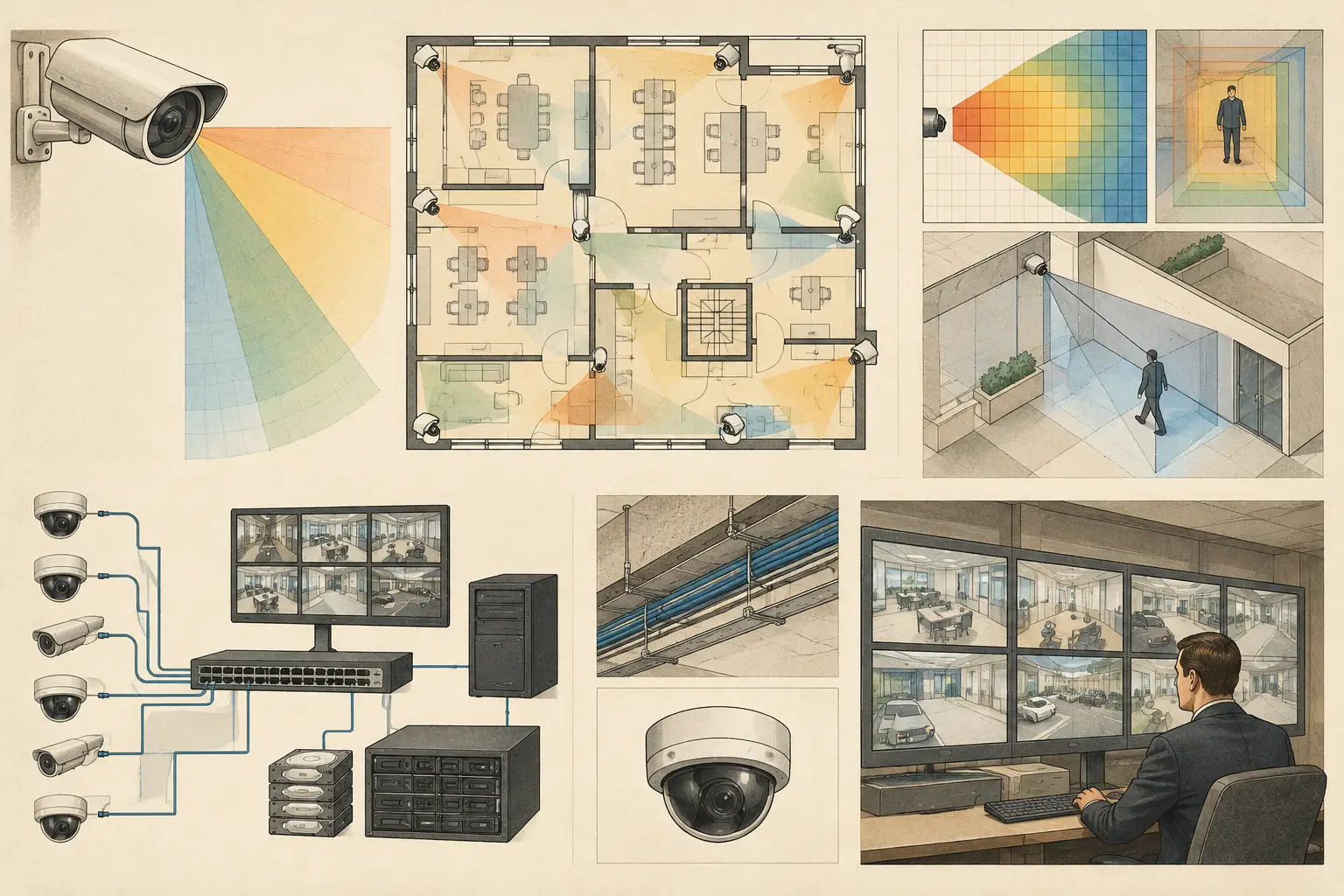
A storage estimate based only on camera count and resolution can be wrong by several terabytes. To understand how to calculate CCTV storage, start with the encoded bitrate produced by each camera under its intended operating conditions, then apply retention, recording mode, and storage architecture. Resolution matters, but it does not independently determine disk capacity.
For a defensible project calculation, record every assumption in the camera schedule: codec, frame rate, target or measured bitrate, continuous or event recording, retention period, and redundancy approach. This creates traceability between the design intent, the recorder specification, and the capacity ultimately procured.
The CCTV storage calculation formula
For continuous recording, the core calculation is straightforward:
Storage (GB) = total bitrate (Mbps) x 10.8 x retention days
The factor 10.8 converts megabits per second into gigabytes per day. For example, a camera configured at 4 Mbps requires approximately 43.2 GB per day:
4 x 10.8 = 43.2 GB/day
For multiple cameras with the same configured bitrate:
Storage (GB) = number of cameras x bitrate (Mbps) x 10.8 x days
If 32 cameras each record continuously at 4 Mbps for 30 days, the raw estimate is:
32 x 4 x 10.8 x 30 = 41,472 GB
That is approximately 41.5 TB using decimal disk capacity. Before selecting recorder drives, add a project allowance for file-system use, database overhead, RAID or redundancy configuration, and reasonable variation in actual bitrate. The final usable capacity requirement may be materially higher than the raw footage estimate.
Start with the right camera inputs
A storage calculation is only as credible as the values entered. The required inputs are camera quantity, codec, resolution, frame rate, recording schedule, retention period, and expected bitrate. Where cameras have different settings, calculate each camera group separately rather than applying a single average across the entire system.
A reception camera may use a different frame rate and scene profile from a perimeter camera, while a loading dock camera may experience frequent movement, headlights, shadows, and vehicle detail. Treating these as identical cameras can understate the storage requirement.
Bitrate is the primary capacity driver
Bitrate is the amount of encoded video written per second. It is usually expressed in Mbps and is the most useful input for capacity planning. Use the bitrate specified in the approved camera configuration, a verified manufacturer calculator, or, preferably, measured output from a representative scene and configuration.
Do not assume that two cameras with the same resolution will generate the same bitrate. Compression behavior varies with scene complexity, low-light noise, motion, camera tuning, codec, and the selected bitrate-control method.
With constant bitrate, capacity is more predictable because the camera aims to transmit at a configured ceiling. With variable bitrate, storage can be more efficient in quiet scenes but less predictable when activity rises. Variable bitrate estimates should use a realistic average plus contingency, not the minimum bitrate observed in an empty test scene.
Codec, frame rate, and image settings change the result
H.265 can reduce storage relative to H.264 in comparable conditions, but the reduction is not a fixed percentage. It depends on the camera encoder, scene content, image quality settings, and whether features such as wide dynamic range or noise reduction are active. Use the codec actually supported by the selected camera and recorder, not a future assumed configuration.
Frame rate also has a direct practical effect. A 25 fps or 30 fps stream generally requires more bitrate than a lower-frame-rate stream at a similar image-quality target. The correct frame rate depends on the operational requirement: identifying routine movement in a lobby is different from reviewing fast vehicle activity at an access point.
Resolution should be selected through coverage requirements, not storage convenience. Field of view, focal length, sensor size, mounting height, tilt, occlusion, and required pixel density all affect whether a camera can achieve the intended DORI objective. Reducing resolution to save disk space may reduce PPM at the target area and compromise the original design intent.
Apply recording mode and retention correctly
Continuous recording is simple because every hour of every day is retained. Event-based or motion-based recording requires a different calculation because the camera does not write at full rate all the time.
For event recording, calculate both the recording bitrate and the expected percentage of time recorded. If a 4 Mbps camera is expected to record 20% of the time, its planning average is 0.8 Mbps before allowing for pre-event and post-event recording. This can reduce capacity significantly, but the assumption must be tested against the actual scene.
Motion detection at a busy entrance may trigger for much of the day. Rain, foliage, reflections, insects, image noise, and headlights can also increase event duration. For critical areas, continuous recording may be the more predictable operational choice even where event recording appears attractive in a spreadsheet.
Retention should be entered as the required number of full days, not as a vague monthly estimate. A 31-day retention requirement is not interchangeable with 30 days when capacity is tight. Also clarify whether the retention period applies to all streams, only selected cameras, or specific recording modes.
Add usable-capacity and resilience allowances
Raw video capacity is not the same as usable recorder capacity. A recorder or server needs space for its operating system, video database, indexes, health monitoring, and normal system operation. Disk arrays may also reserve capacity depending on RAID level or other redundancy design.
A practical calculation therefore separates three figures:
- Raw footage capacity - the video volume calculated from bitrate and retention.
- Usable video capacity - raw footage plus an agreed planning allowance for system overhead and bitrate variation.
- Installed raw disk capacity - the physical disk capacity required after RAID or redundancy reduces usable space.
The exact allowance depends on the VMS, recorder platform, disk architecture, and project risk tolerance. Do not apply a universal percentage without checking the equipment documentation. Likewise, do not confuse RAID with backup. RAID can improve availability after a drive failure, but it does not create an independent copy of footage or protect against every operational failure.
Work through a mixed-camera example
Consider a small commercial site with three camera groups, all recording continuously for 30 days:
- 12 indoor cameras at 2 Mbps
- 10 external cameras at 5 Mbps
- 6 entrance cameras at 8 Mbps
Calculate each group separately. The indoor cameras require 12 x 2 x 10.8 x 30 = 7,776 GB. The external cameras require 10 x 5 x 10.8 x 30 = 16,200 GB. The entrance cameras require 6 x 8 x 10.8 x 30 = 15,552 GB.
The raw footage total is 39,528 GB, or about 39.5 TB. That is the starting point, not the final disk purchase figure. The design team should then document the recorder's overhead requirement, desired free-space margin, and RAID configuration to establish installed capacity.
This group-based method is more reliable than multiplying 28 cameras by a single average. It also makes revisions easier. If the entrance camera specification changes after a DORI review, only that group needs to be recalculated.
Check storage alongside network design
The same aggregate bitrate used for storage sizing is required for network planning. In the mixed example above, live recording traffic is 24 Mbps + 50 Mbps + 48 Mbps, or 122 Mbps before protocol overhead and any additional client viewing traffic.
This is why storage and network topology should be reviewed together. Camera switch uplinks, recorder interfaces, VLAN design, remote viewing, and failover recording can alter the real traffic path. A storage design may have adequate disk capacity but still perform poorly if uplinks are congested or if recorder throughput limits are exceeded.
CCTV Design Tool Online can support this workflow by keeping camera placement, field of view, pixel-density requirements, camera specifications, and network planning in one design workspace. The storage calculation still depends on verified configuration inputs and professional review, but linking it to the camera schedule reduces the risk of using outdated quantities after a drawing revision.
Common calculation errors to avoid
The most common error is using resolution as a substitute for bitrate. Another is ignoring high-activity scenes and using an optimistic average for variable bitrate recording. Teams also frequently omit pre-event and post-event recording, calculate 30 days when the brief requires 31, or select physical disk capacity without accounting for RAID losses.
There is also a design coordination issue: a camera count can change after blind spots, coverage overlap, or occlusions are reviewed. Recalculate storage whenever camera positions, field of view, encoding settings, retention, or recording rules change. Treat the storage schedule as a controlled project deliverable, not a one-time procurement estimate.
The most useful storage calculation is not the smallest number that fits a budget. It is the number that clearly connects camera design assumptions to usable retention, recorder architecture, and a configuration that can be verified before installation.