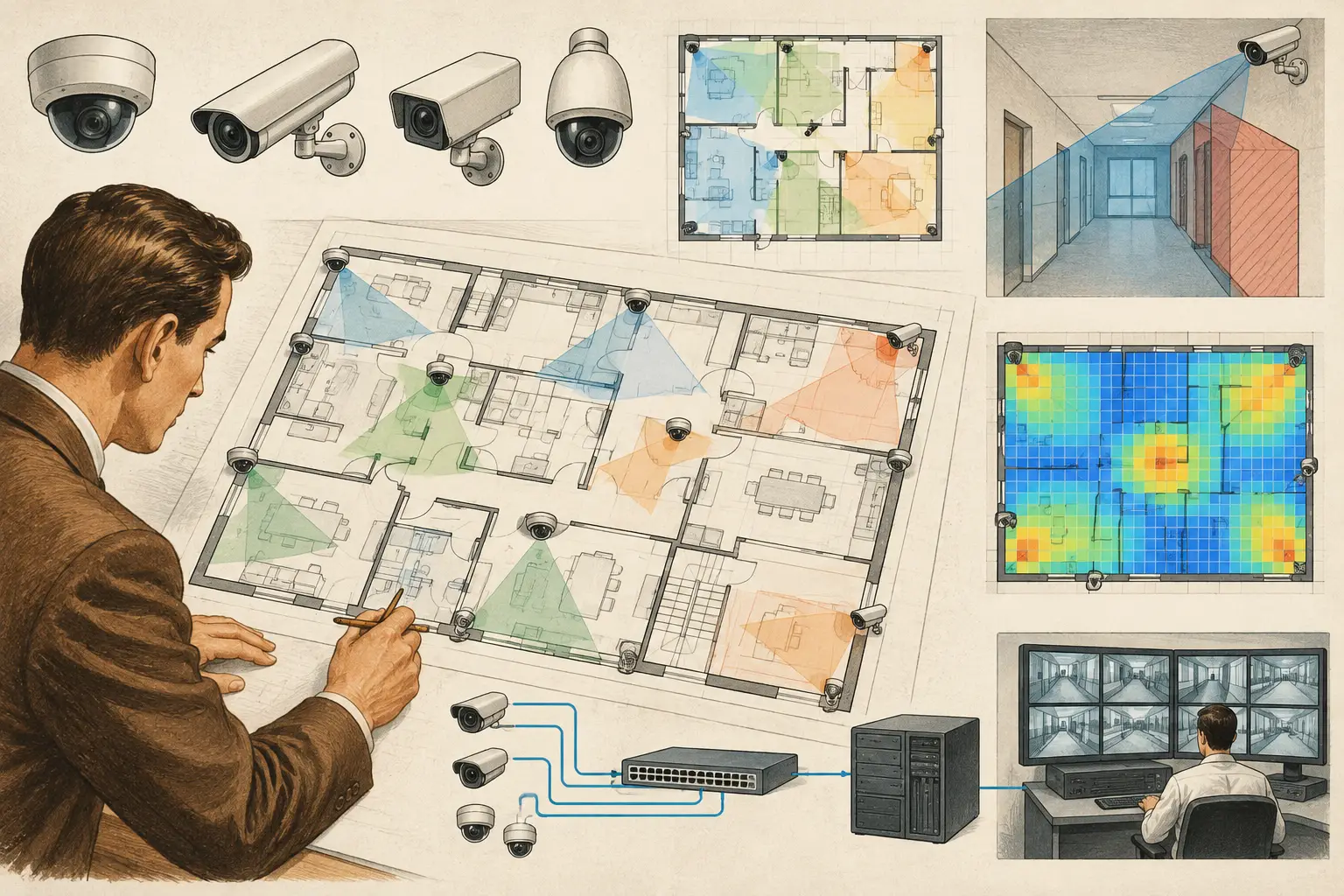
A camera identifier is a coordination control, not merely a label beside an icon. Knowing how to map camera identifiers consistently connects the approved design intent to installation, VMS configuration, network records, test sheets, and the final handover package. When identifiers drift between these documents, installers lose time locating devices, reviewers cannot trace coverage decisions, and later maintenance becomes unnecessarily difficult.
A disciplined identifier map gives every camera one unambiguous reference from concept design through as-built documentation. The objective is simple: one physical camera, one controlled ID, and one traceable set of related records.
Start with a camera identifier standard
Define the naming convention before placing large numbers of cameras on the drawing. Retrofitting IDs after placement often creates duplicates, gaps, or labels that no longer reflect the camera's actual location.
A practical identifier usually combines a stable project reference with location and sequence information. For example, `BLD-A-L02-C-014` could indicate Building A, Level 2, Camera 014. A campus may need a site or block prefix, while a transport or industrial environment may need zone, platform, gate, or process-area references.
The best format depends on the project scale and the stakeholders who will use it. A small office may only require `CAM-01` through `CAM-24`. A multi-building enterprise site benefits from a structured format that allows a technician to understand a camera's general location without consulting a separate schedule.
Avoid placing technical specifications inside the core ID. Labels such as `4K-DOME-23` become misleading when the selected camera changes from a dome to a bullet, or when resolution changes during value engineering. Camera type, model, focal length, and resolution belong in controlled schedule fields, not in the permanent identifier.
Use IDs that remain stable through revisions
An identifier should survive ordinary design changes. If Camera 014 moves several feet to avoid a beam or improve a viewing angle, it can normally remain Camera 014. If it is removed, record it as removed in the revision history rather than immediately reusing the number for a different camera.
Reusing deleted IDs is a common source of confusion. Old marked-up drawings, procurement schedules, commissioning records, or VMS exports may still refer to the original device. Maintaining retired identifiers preserves traceability, especially on phased projects.
Build the map from calibrated geometry
Camera IDs are only useful if they are tied to a recognizable, correctly scaled location. Import and calibrate the drawing before creating the camera register. Confirm that floor plans are current, level names are consistent, and the drawing scale is based on a verified reference dimension rather than an assumed PDF scale.
Then define the physical context around each device. Walls, doors, glazing, columns, racking, soffits, and other obstructions influence both placement and the interpretation of a camera label. A camera shown near a corridor intersection may look clear on an uncalibrated plan, yet have a materially restricted field of view once wall geometry and mounting position are reviewed.
Assign identifiers as each camera is placed rather than adding them in a separate labeling pass. This links the ID directly to its direction, mounting height, tilt, focal length, sensor size, field of view, and intended scene. If the camera is repositioned, the design record updates around the same identifier rather than creating an isolated annotation.
For multi-level sites, use separate plan views for each floor while retaining a project-wide register. The schedule should not treat `L01-C-005` and `L02-C-005` as interchangeable simply because their numeric suffixes match. The full identifier must be unique across the project unless the client has a controlled enterprise naming policy that states otherwise.
Map each ID to the information the project team needs
The camera plan is one view of the identifier map. The camera schedule is the operational record behind it. Each camera ID should correspond to a single row or controlled record containing enough information for design review, procurement coordination, installation, configuration, and testing.
At a minimum, map the identifier to the level, area or room name, camera purpose, mounting location, mounting height, orientation, and camera specification. Include resolution, sensor size, focal length or varifocal range, expected field of view, and any required pixel-density or DORI objective. These values explain why the camera is present, not just where it is located.
For network coordination, associate the same ID with the relevant telecom room, cabinet, switch, port allocation where available, VLAN or network segment where required by the project, and cable reference. The final network topology may evolve during delivery, so distinguish proposed design data from verified as-built information.
For installation teams, a mounting reference is often as valuable as the plan coordinate. “North lobby, above door N-12, ceiling mounted” is more actionable than “lobby camera.” Where the camera views a critical entrance, loading bay, or perimeter point, describe the protected scene and intended direction in plain operational language.
Separate design intent from verified field data
A drawing-based camera location and a calculated coverage result are design outputs. They are not proof that the installed camera will deliver the same result under every lighting condition, scene change, lens tolerance, mounting variation, compression setting, or VMS configuration.
Use distinct fields or status markers for proposed, approved-for-installation, installed, tested, and as-built records. This helps teams avoid treating an early design schedule as a final installation register. It also gives reviewers a clear audit trail when a camera is relocated, substituted, or removed.
Review identifiers against coverage and DORI requirements
A camera identifier map should support a meaningful coverage review, not just produce a tidy drawing. For every camera, check whether its field of view reaches the intended scene after accounting for walls, partitions, columns, and other occlusions. Then review whether the pixel density at the relevant target area aligns with the stated operational requirement.
DORI and PPM analysis are especially useful when a project uses terms such as detection, observation, recognition, or identification. The camera ID lets reviewers point to an exact device and ask a precise question: does `BLD-A-L02-C-014` provide the required pixel density at the entrance threshold, elevator door, or vehicle gate?
This approach also exposes unnecessary overlap. Overlap is not automatically wasteful - it may support multiple viewing angles, reduce blind spots, or protect a critical route if one device fails. But it should be intentional and documented. If two cameras cover the same scene, identify their different operational roles, such as overview coverage and face-level identification coverage.
When coverage is changed, update the identifier map and schedule together. A plan revision that moves a camera cone but leaves the camera register unchanged creates a coordination defect even if the graphic looks correct.
Coordinate labels with the VMS and physical installation
The design ID should normally become the primary reference used during installation and commissioning. However, VMS naming conventions may have character limits, site-wide prefixes, or existing asset-management rules. Resolve these differences early.
If the VMS requires a shortened name, maintain a controlled cross-reference rather than allowing unrelated names to emerge. For example, a design identifier of `BLD-A-L02-C-014` may be displayed in the VMS as `A2-014`, provided the schedule clearly maps one to the other. The physical device label, VMS camera name, drawing callout, test record, and asset register should all be traceable back to the same master ID.
Do not rely on IP addresses as camera identifiers. IP addresses can change due to network redesign, replacement hardware, addressing policies, or DHCP reservations. They are configuration attributes, not stable asset identities.
Similarly, manufacturer serial numbers are essential for asset records and warranty administration, but they should complement rather than replace the design ID. A serial number rarely tells an installer where a camera belongs or what scene it was intended to cover.
Control changes with a revision process
Identifier mapping breaks down most often during late-stage coordination. Architectural revisions alter room names, ceilings change, new doors appear, and ICT teams revise cabinet locations. These changes can affect camera placement, cable routes, occlusion, network connections, and the schedule simultaneously.
Use a defined change process. When a camera is added, moved, removed, or replaced, record the reason, revision date, affected drawing, and schedule status. Review the associated field of view, DORI or PPM result, cable path, switch capacity, and coverage overlap before issuing the revised deliverable.
A browser-based workspace such as CCTV Design Tool Online can help keep calibrated plans, camera parameters, visual coverage analysis, and technical reporting connected within one design environment. The calculated result still requires professional review against the actual site conditions, project brief, and applicable local requirements.
Before issue, perform a simple traceability check: every camera icon has one unique ID; every ID appears once in the schedule; every schedule record identifies a real location and purpose; and all removed or superseded devices are clearly controlled. That small discipline turns a collection of camera symbols into a coordinated engineering deliverable.
A well-mapped identifier gives the project team a shared language. Long after construction drawings are archived, the person investigating an incident, replacing a device, or planning an expansion should be able to locate the camera, understand its intended coverage, and find the record that explains it.