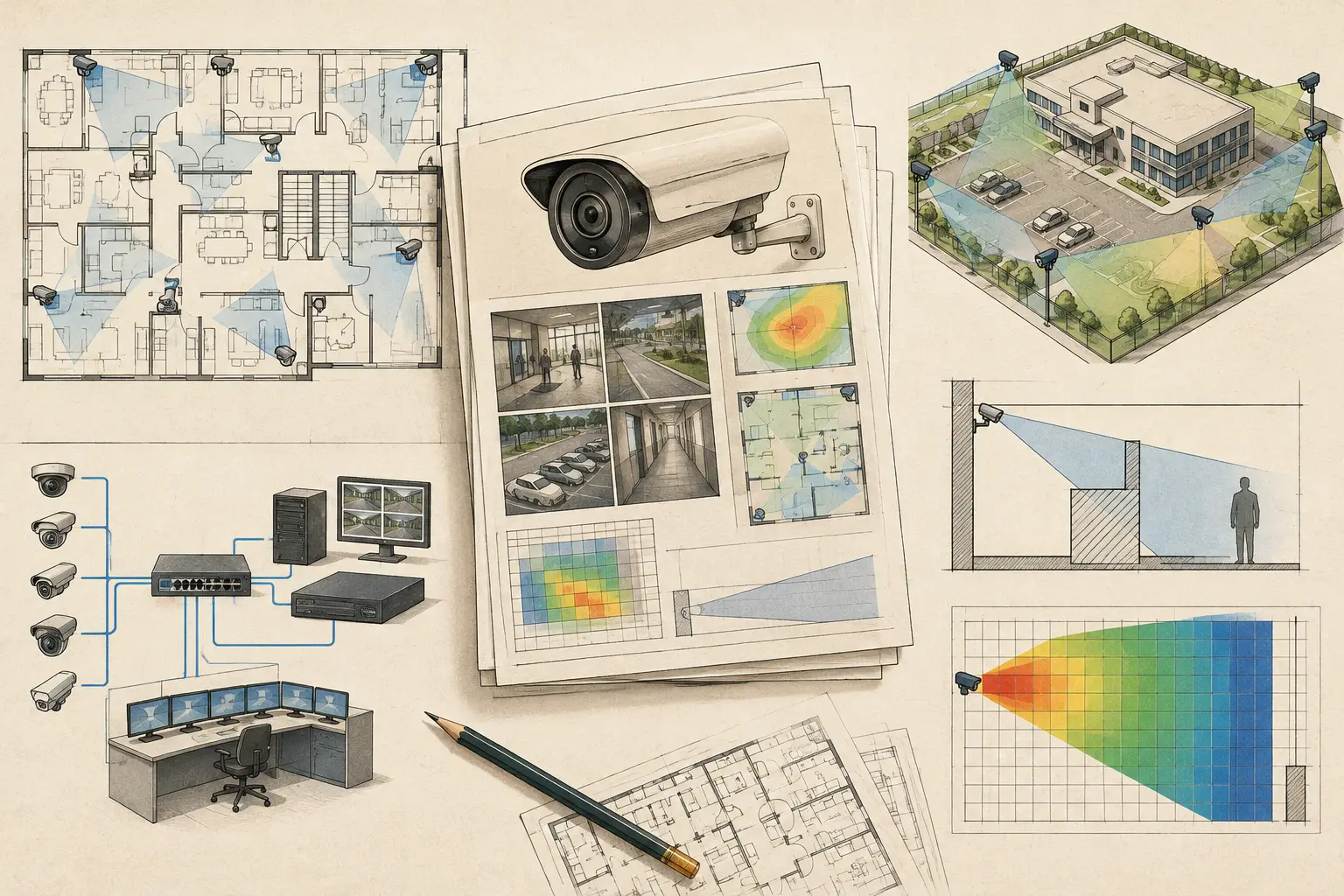
A CCTV design can be technically sound and still fail a review if the evidence is scattered across marked-up plans, spreadsheets, camera datasheets, and email comments. The top CCTV reporting templates bring those inputs into a traceable deliverable: reviewers can see what was proposed, why it was proposed, and which assumptions still require confirmation on site.
For consultants, integrators, and project owners, reporting is not an administrative final step. It is the point where camera placement, field of view, pixel density, physical geometry, and network requirements become a coordinated engineering decision. A useful report does not merely show camera icons on a plan. It states the design objective, exposes limitations, and makes revisions easier to control.
What a CCTV Report Must Prove
A professional CCTV report should answer three practical questions. First, what surveillance objective applies to each area? Second, does the selected camera configuration produce the calculated coverage needed for that objective? Third, what information does the installation and ICT team need to implement the design without relying on assumptions?
The answer differs by project. A vehicle gate may require targeted identification coverage at a barrier line, while a warehouse aisle may need broader observation coverage and controlled overlap at intersections. The report should not imply that one pixel-density target or lens selection suits every zone.
Calculated results are also not the same as installed performance. A field-of-view calculation depends on inputs such as sensor size, resolution, focal length, mounting height, direction, tilt, and scale calibration. Site lighting, camera image processing, scene movement, reflective surfaces, and final mounting tolerances can affect operational results. Good reporting records the design basis and identifies what must be verified during commissioning.
7 Top CCTV Reporting Templates
The following templates work best as connected sections of one report rather than isolated documents. Together, they create a chain from design intent to installation coordination.
1. Design Basis and Assumptions Template
Start with the project identity, drawing revision, report revision, author, review status, and issue date. Then state the scope: included buildings or zones, excluded areas, design objectives, and source documents used.
This template should record the assumptions that influence all later calculations. Examples include the calibrated drawing scale, assumed mounting heights, accessible mounting locations, proposed camera model parameters, and expected scene conditions. If a floor plan has not been field-verified, say so clearly. If wall geometry was inferred from an architectural drawing, distinguish that from verified site geometry.
The output is a transparent baseline. When a stakeholder changes a ceiling layout, wall position, or required coverage objective, the design team can identify which assumptions and report pages must be reviewed.
2. Camera Schedule Template
A camera schedule converts visual design into procurement and installation information. Each row should include a unique camera ID, location or zone, camera type, resolution, sensor size, focal length or varifocal setting, mounting height, tilt, azimuth, and intended coverage objective.
It should also identify whether the device is indoor or outdoor, fixed or PTZ, and whether any housing, pole, bracket, or environmental requirement is anticipated. Where a specific manufacturer model has not been selected, report the technical parameters instead of implying a product-specific commitment.
The key trade-off is detail versus usability. A schedule with only camera type and location is too vague for engineering review. A schedule overloaded with unconfirmed procurement data becomes difficult to maintain. Keep the controlled fields that affect coverage and coordination, then attach verified manufacturer documentation later when equipment is finalized.
3. Field-of-View and Coverage Plan Template
This is the page most stakeholders will inspect first, but it must do more than look convincing. Show the calibrated floor plan or site plan, camera IDs, viewing direction, field-of-view boundaries, and relevant walls or obstructions. Include a legend that separates planned cameras from existing cameras, if both are shown.
Where possible, show occlusion-aware geometry rather than simple camera cones passing through walls. Doors, glazed partitions, shelving, columns, machinery, and future fit-out can all change actual visibility. A plan should identify material blind spots, not hide them behind an attractive graphic.
Use separate pages where the drawing is crowded. A whole-floor overview is useful for orientation, while enlarged zone plans are better for checking entrances, reception desks, corridors, loading bays, and perimeter lines. The output should allow an installer to locate the intended coverage direction without guessing from a general arrangement drawing.
4. DORI and Pixel-Density Assessment Template
A field of view describes what the camera can see. Pixel density describes the calculated level of image detail across that view. The report should present both.
For each camera or defined target area, document the selected pixel-density criterion in pixels per meter or PPM, the calculated distance range, and the relevant DORI objective: detection, observation, recognition, or identification. Label the result as a design calculation based on the stated camera and scene inputs, not as a guarantee of recognition in every operating condition.
This template is particularly valuable when a reviewer asks why a wide-angle camera was not used for an entire space. Wider coverage often reduces pixel density at longer distances. A narrower focal length may support a higher-detail task at an entrance, but it can also create blind areas outside the targeted zone. Reporting makes that compromise explicit.
5. Blind Spot, Occlusion, and Overlap Register Template
No meaningful design review should treat blind spots as an embarrassment to be omitted. Some are acceptable because they are outside scope, inaccessible, privacy-sensitive, or operationally low risk. Others require another camera, a changed mounting location, or a revised requirement.
Use a register that identifies the blind spot or occlusion, its location, cause, assessed impact, proposed treatment, responsible party, and review status. Causes might include a structural column, a parked vehicle, an open door, racking, landscaping, or an unavoidable limitation created by a desired camera position.
Coverage overlap belongs in the same conversation. Overlap can provide continuity at transitions and reduce the impact of a single camera outage, but excessive overlap can increase camera count and network load without improving the security objective. The report should identify intentional overlap and explain its purpose.
6. Network and Power Coordination Template
A camera report should give ICT and electrical teams enough information to begin coordination. At minimum, group cameras by network area, switch or cabinet location, expected connection method, and indicative bandwidth or storage inputs. Where known, include PoE requirements, fiber uplinks, wireless links, and resilience assumptions.
Do not present early bandwidth figures as final capacity approval. Bit rate varies with codec settings, resolution, frame rate, scene activity, retention requirements, and manufacturer implementation. Treat this template as a planning input that must be verified against the final camera configuration, recording architecture, and network topology.
This section is often where project risk becomes visible. A well-positioned camera may require a cable path that is impractical, a cabinet with insufficient PoE budget, or a long route that changes the installation approach. Bringing those dependencies into the report prevents the coverage drawing from becoming disconnected from deliverability.
7. Review, Revision, and Site Verification Template
Every issued report needs a controlled review page. Record the drawing references, report revision, comments received, response status, design changes, and outstanding actions. Include a site verification checklist for mounting height, actual obstructions, final lens setting, field of view, camera focus, and target-area image detail.
This template protects both the project and the decision trail. It distinguishes an approved concept from an installed and commissioned condition. It also creates a disciplined path for handling late changes, such as revised furniture layouts or new access-control points.
Build the Report From One Design Workspace
The quality of a report depends on the consistency of its inputs. Copying camera IDs between a CAD drawing, spreadsheet, and presentation invites mismatches during revision. A connected workflow begins by importing and calibrating the drawing, reviewing walls and physical geometry, placing cameras, defining optical parameters, and checking field of view against obstructions.
From there, the report should reuse the same camera IDs, camera specifications, coverage plans, DORI results, and network assumptions. CCTV Design Tool Online supports this approach by keeping design geometry, camera configuration, coverage analysis, and technical documentation within a persistent browser-based workspace. The report remains an engineering deliverable, however, and should be reviewed by qualified professionals against site conditions and applicable project requirements.
Select Templates Based on the Review Stage
Not every recipient needs the same report depth. A project owner may need coverage intent, visible limitations, and decision points. An installer needs camera references, mounting information, and clear plan views. A security consultant or authority reviewer may need the design basis, DORI logic, occlusion treatment, and revision traceability.
Avoid issuing separate, inconsistent versions for each audience. Instead, create one controlled technical report with a concise executive front section and detailed appendices. This keeps the design logic intact while allowing each discipline to find the information it needs.
A report earns confidence when it shows the limits of the design as clearly as its strengths. That clarity gives the next reviewer a practical basis to verify the work, challenge an assumption, or carry the design into installation without reconstructing the engineering behind it.