CCTV Design Tool Online — Free Security Camera Layout Planner for Security Professionals
Design a complete CCTV camera system in 15 minutes. Drag and drop cameras onto your floor plan, see each camera's real field of view, run a live people simulation, detect blind spots automatically, and export a professional PDF or HTML report — all free, no download, no subscription.
Launch the Free CCTV Design Tool
Key Features
- Drag-and-drop camera placement on any floor plan image (PNG, JPG, PDF)
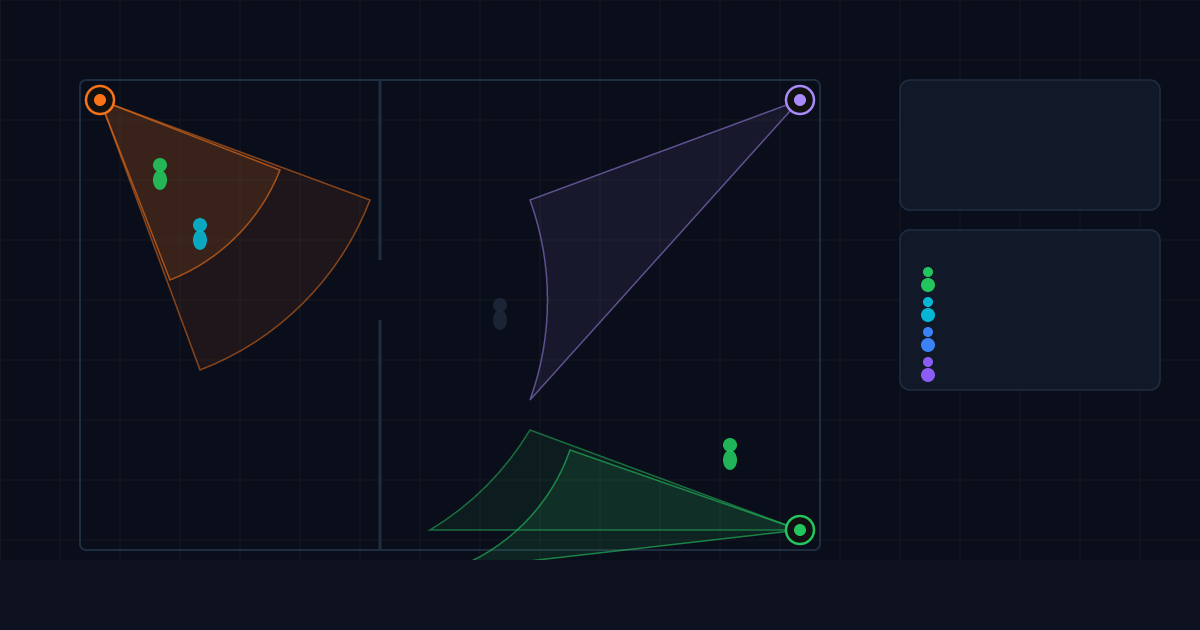
- Real field-of-view simulation for 300+ camera models from Hikvision, Dahua, Axis, Bosch, Uniview, Hanwha, FLIR, Pelco, Sony, and more
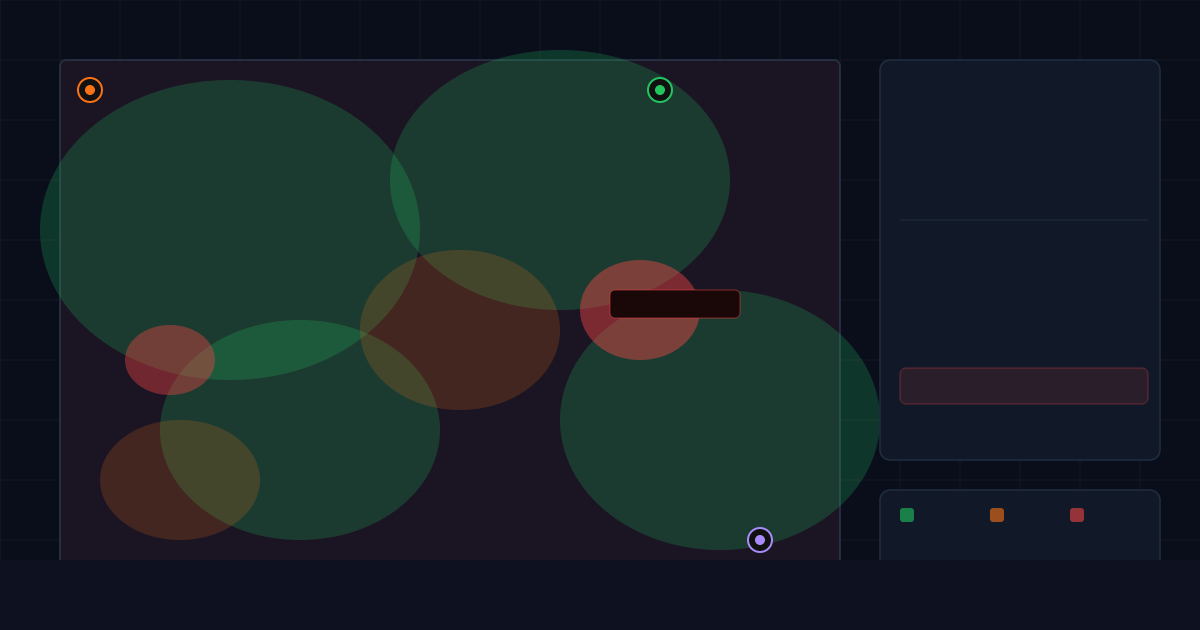
- Blind-spot heatmap — one click identifies every uncovered zone before installation
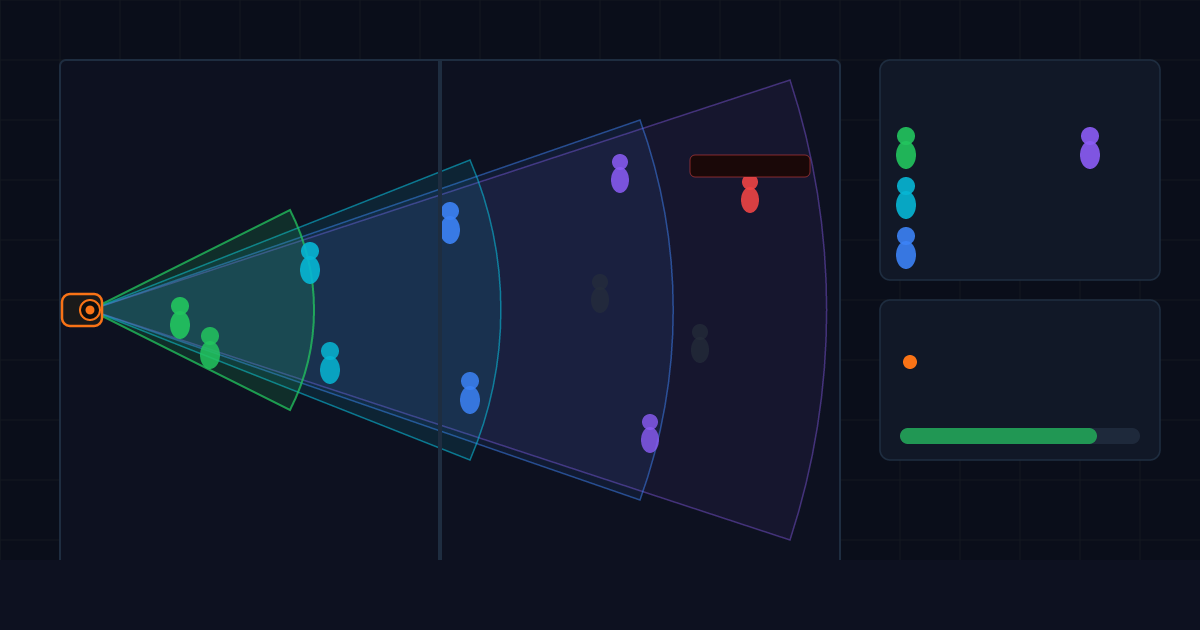
- Live people simulation — animated pedestrians show exactly what each camera captures in real time (indoor sites)
- Vehicle & ANPR/LPR simulation — live traffic of cars, vans, buses, and trucks scored for licence-plate recognition per EN 62676-4
- Road, lane & junction design — for car parks, gatehouses, perimeters, and traffic CCTV
- Satellite-map backdrop — design outdoor and perimeter CCTV to true GPS scale
- AI auto-detection — detect walls, rooms, and roads automatically from a floor plan or satellite image
- PTZ, fisheye & panoramic cameras — alongside fixed lenses, from a 300+ model database
- DORI analysis — Detection, Observation, Recognition, Identification zones per BS EN 62676-4 and IEC 62676-4
- Multi-floor CCTV design — unlimited floors per project, hotels, malls, campuses, warehouses
- ICT and network planning — cable routes, PoE switch sizing, IP address assignment
- Wall-, landscape- & obstacle-aware FOV clipping — no ghost coverage through walls, trees, or vehicles
- PDF and interactive HTML report export — camera layout, FOV map, camera schedule, coverage analysis, engineer notes
- Camera schedule and bill of materials — ready for quotation and material take-off
- Live team collaboration — share a link, changes appear in real time
- Video analytics preparation — define detection zones and counting lines before deployment
- Unlimited cameras per project — no plan limitations
- Browser-based — works on desktop, laptop, tablet, and iPad; no installation
How to Design a CCTV System in 3 Steps
Step 01
Upload your floor plan
Drop any PNG, JPG, or PDF. Draw walls or use AI auto-detection. Set scale using any known distance — a door width, a room length — and every camera placement is to true real-world scale.
Step 02
Place cameras and simulate coverage
Pick a camera model from 300+ in the database. Drag it to position. The field-of-view cone, blind-spot heatmap, and coverage score update in real time. Adjust heading, tilt, and range until every zone is covered.
Step 03
Export and win the contract
One click generates a full client-ready PDF or interactive HTML: camera layout diagram, FOV map, camera schedule, coverage analysis, and engineer notes. Present on tablet on site, email it the same day, or include it in your tender submission.
Who Is It For?
Built for CCTV security integrators, consultants, contractors, design engineers, audit teams, and video analytics engineers worldwide. Covers the full project lifecycle — from client proposal and consultant design through contractor tender, audit and validation, to video analytics go-live.
- Shopping malls, retail and multi-storey buildings
- Hotels and hospitality venues
- Villas and residential developments
- Warehouses, logistics centres, and industrial sites
- Corporate offices and public buildings
- Schools, universities, and campuses
- Any site from 1 camera to 1000+ cameras

cctvdesigntool.online vs JVSG — Feature Comparison
| Feature | cctvdesigntool.online | JVSG IP Video |
|---|
| Price | Free | $33–66/month |
| Camera limit | Unlimited | 64 on Pro plan |
| Setup | Open browser | Desktop install required |
| Live people simulation | Yes — animated agents | No |
| ICT network planning | Yes — built-in | No |
| HTML interactive export | Yes | PDF only |
| Live collaboration | Yes — share a link | No cloud sync |
| DORI analysis | All 4 zones | Yes |
| Blind-spot detection | Automatic heatmap | Yes |
| Camera database | 300+ models | 21,800+ models |
| Video analytics prep | Built-in | No |
Frequently Asked Questions
Is the CCTV Design Tool completely free?
Yes. cctvdesigntool.online is free during the early access programme — no credit card, no subscription, no hidden charges.
Which camera brands are supported?
300+ models from Hikvision, Dahua, AXIS, Bosch, Hanwha, Uniview, FLIR, Pelco, Sony, Vivotek, Mobotix, ACTi, Digital Watchdog, IndigoVision, GeoVision, Tiandy, UNV, Milesight, and more. Custom cameras supported too.
Can I upload my own floor plan?
Yes. Upload any PNG, JPG, or PDF. Set the real-world scale and every camera placement is to true scale. AutoCAD DWG export as PDF works perfectly.
Does it work on a tablet or iPad on site?
Yes. Runs in any modern browser on desktop, laptop, tablet, and iPad. No app download, no installation required.
Does it comply with international standards?
Coverage analysis checks against BS EN 62676 and IEC 62676-4. Every exported report includes the applicable standard reference.
Is there a camera limit per project?
No. Unlimited cameras per project on every plan — no restrictions. Unlike JVSG which caps at 64 cameras on its Pro plan ($33/month).
How long does it take to learn?
Most engineers produce their first full layout within 15 minutes. No CAD training required.
Get Access
Open @CCTVDesignTool_bot on Telegram and request your free access code. We reply within a few hours during business hours.
Launch the Free CCTV Design Tool →
CCTV Design Guides